Building Your First Flutter App: From Zero to Play Store
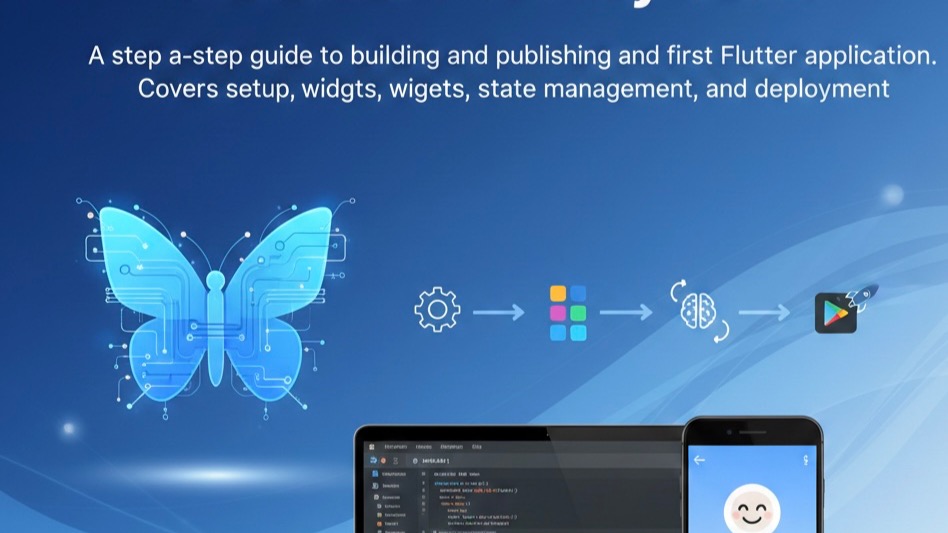
A step-by-step guide to building and publishing your first Flutter application. Covers setup, widgets, state management, and deployment.
Getting Started with Flutter
Flutter is Google's UI toolkit for building beautiful, natively compiled applications. Let's build your first app!
Setup & Installation
Download the Flutter SDK, set up your PATH, and run flutter doctor to verify your installation.
Your First Widget
Everything in Flutter is a widget. Start with a simple MaterialApp and build your UI tree from there.
State Management
For beginners, start with setState(). As your app grows, consider Provider, Riverpod, or BLoC patterns.
Publishing to Play Store
Build your release APK, create a Google Play Console account, and submit your app for review.